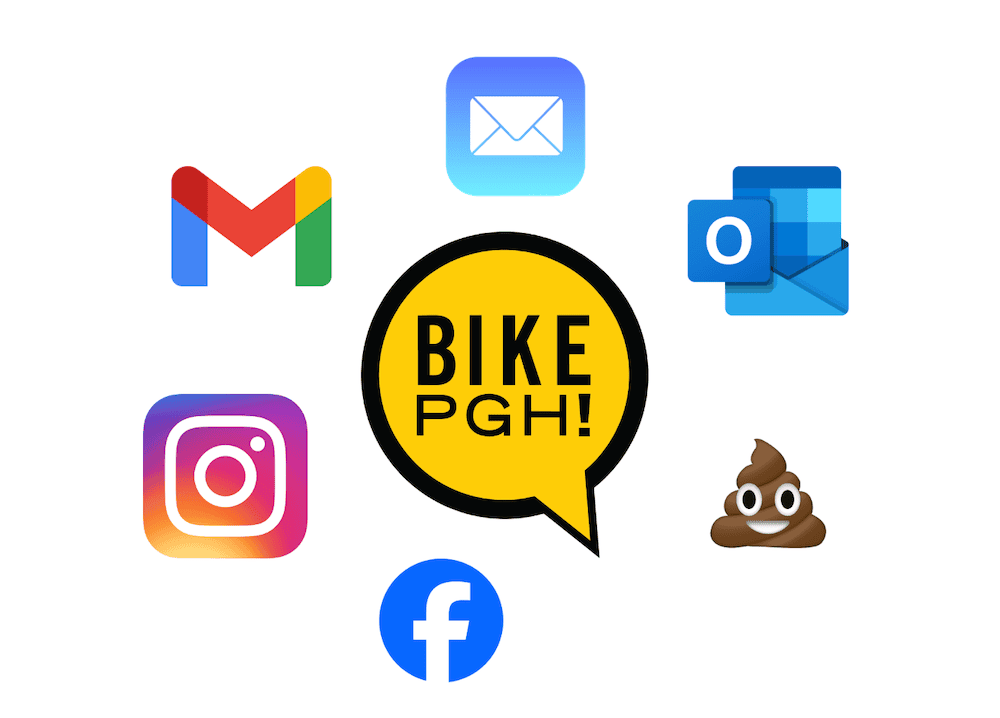
You’re not imagining it. Between spam filters and algorithms, even our most loyal supporters can miss updates they actually want.
If you follow @BikePGH (and organizations like us) but aren’t seeing our posts or emails, you’re not imagining it. Social feeds are crowded with ads (see: Enshittification, also known as crapification, platform decay), and email providers sometimes send newsletters to Promotions or Spam, even when you signed up on purpose. That means important things like advocacy alerts, rides, events, and policy wins can slip past the very people who care most.
Don’t let the algorithm decide for you: Take back your Feed to make sure you never miss BikePGH updates
Social Media — Favorite Us

- Visit BikePGH
- Tap Following
- Select Favorites
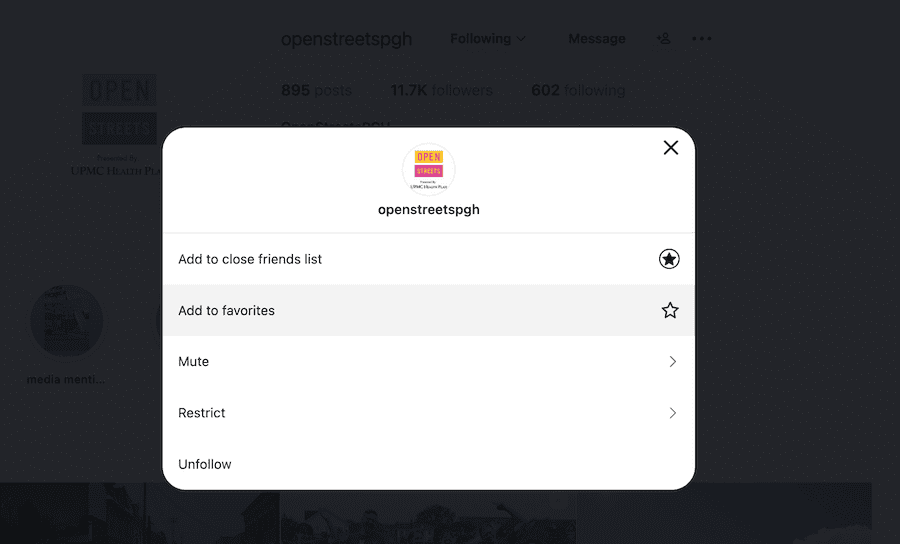
- Visit @BikePGH
- Tap Following
- Tap Favorites
*pro tip – do this for @openstreetspgh too!
Email — Keep Us Out of Spam & Promotions
Email providers automatically sort messages, but you can tell them we’re trusted:
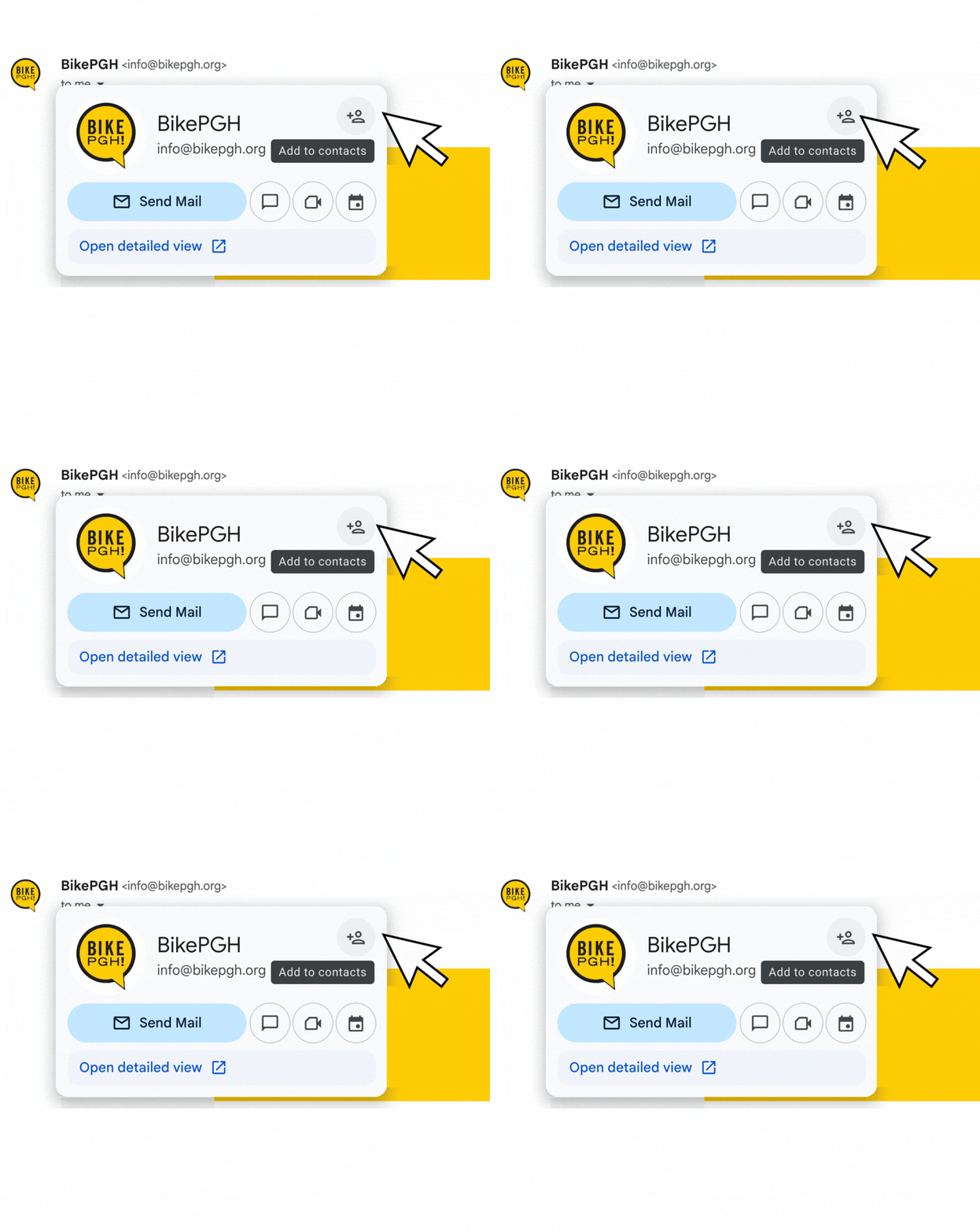
➙ Gmail
- Drag a BikePGH email into Primary
- Click Yes to apply to future emails
- Add info@bikepgh.org to your Contacts
➙ Apple Mail
- Tap or click Move to Inbox
- Add us to your contacts
➙ Outlook/Hotmail
- Add to Safe Senders or Never Block Sender
Keep up with us –
BikePGH is community action. From safer streets to group rides to policy change, our updates help you show up and be part of the work. You shouldn’t have to fight an algorithm to stay connected to something you care about!
 NEWSLETTER